Text Similarity Checker
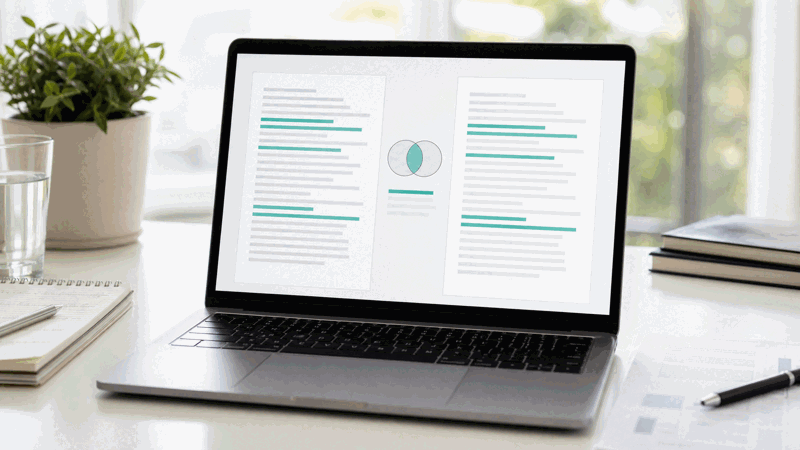
Compare two texts and see how similar they are as a percentage, with shared words highlighted. No signup, works on any device.
Jaccard & Cosine compare the words used; character match uses edit distance (skipped for very long texts). 100% means identical by that measure.
Share on Social Media:
This text similarity checker compares two texts and shows how similar they are as a percentage, directly in your browser. Paste one text in each box and the similarity updates live. No account, no install, so you can compare texts on any device in seconds.
How to Compare Two Texts Step by Step
- Paste your first text. Paste or type the first text into the left box, the text you want to compare.
- Paste your second text. Paste or type the second text into the right box, the text to compare it against.
- Read the similarity score. The tool shows how similar the two texts are as a percentage, updating live as you edit either box.
- See the shared words. The tool highlights or lists the words the two texts share, so you can see where they overlap.
- Use the result. Read the similarity percentage and shared words to judge how alike the two texts are.

What the Similarity Checker Measures and How
A text similarity checker compares two pieces of text and measures how alike they are. You paste one text in each box, and the tool works out a similarity score as a percentage, based on how many words the two texts share relative to their total vocabulary.
The score is worked out by comparing the words in each text: a common method looks at how many words appear in both texts compared with the words that appear in either, giving a percentage where identical texts score 100 and completely different texts score 0. The tool also shows the words the two texts share.
Similarity is about overlap, not an exact match. Two texts can be highly similar without being identical, for example if one is a lightly reworded version of the other. The percentage gives a sense of how much they overlap, which you can read alongside the shared words to understand where they are alike.
Everything runs in your browser, so your texts are never uploaded and the score appears instantly and privately. The tool works the same on a phone, tablet or computer, with no account and no limit on how much text you can compare.
Similarity Versus an Exact Match
| Result | What it shows | How to read it |
|---|---|---|
| Similarity % | How alike the two texts are | 100 is identical, 0 is completely different |
| Shared words | Words in both texts | Where the texts overlap |
| Text A / B | Your two inputs | The texts being compared |
| Live update | Recalculated as you edit | Always current |
Who Uses a Text Similarity Checker
Pro Tips for Comparing Texts
Common Text Similarity Mistakes to Avoid
Related Tools You May Need Next
For more, our Duplicate Word Counter finds repeats within a text, the Word Counter measures each text, and the Plagiarism Checker checks text against the web.

Frequently Asked Questions
How do I compare two texts?
Paste or type one text into the left box and the other into the right box. The tool instantly shows how similar they are as a percentage, updating live as you edit either box, and highlights the words the two texts share. Read the percentage and the shared words together to judge how alike the two texts are. No account is required and there is no limit on how much you can compare.
How is the similarity percentage worked out?
The score compares the words in the two texts: a common method counts how many words appear in both texts against the words that appear in either, giving a percentage where identical texts score 100 and completely different texts score 0. It looks at which words the texts share, not the order of the words, so it measures overlap of vocabulary between the two texts you provide.
Does a high score mean plagiarism?
No. This tool compares two texts you paste in and measures how much their wording overlaps. It does not check your text against the web and is not a plagiarism detector, so a high score is not proof of copying, only a sign that the two texts you provided share many words. To check text against outside sources, use a plagiarism checker instead.
Does it compare meaning or just words?
It compares words, not meaning. The score is based on which words the two texts share, so it does not understand what the texts mean. Two texts can express the same idea in different words and score low, or use similar words for different meanings and score high. Read the score as a measure of word overlap, alongside the shared words it highlights.
Can I compare texts of different lengths?
You can, but comparing a very short text with a very long one tends to give a low score, even if the short text appears within the long one, because the score reflects overlap relative to all the words. For the most meaningful result, compare texts that are reasonably similar in length and cover similar ground.
Are my texts uploaded anywhere?
No. The comparison happens entirely in your browser, so your texts are never sent to a server. The score appears the instant you type, and nothing you write leaves your device. You can compare sensitive or unpublished texts knowing they stay on your own device, with no account and no sign-in.
Can I use it on my phone?
Yes. The tool runs in your browser and works the same on a phone, tablet or computer, with no app to install. Paste one text in each box and the similarity score appears instantly. Because everything runs on your device, it is just as fast and private on mobile as on a desktop, so you can compare texts anywhere.
Is the text similarity checker free?
Yes, it is completely free with no account and no limit. You can compare as many texts as you like, on any device, at no cost. The tool runs in your browser, so there is nothing to install, and the similarity percentage and shared words appear instantly as you type in either box.